
How To: Check Radiology Results
Monash Health uses Carestream for viewing radiology images and reports. You can access Carestream via the Clinical Portal:

You will then be presented with a log in screen. You can log in using your Monash Health credentials:

After you have logged in, you will be presented with a search screen. You can search using a UR number, or the patient’s name:
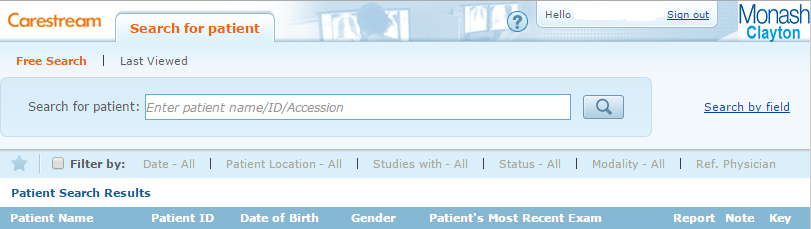
After searching you will see a list of search results, click on the patient you want:

Once you have opened the patient, often the most recent imaging study will appear on screen and it will appear like below. On the top left of screen the patient’s details will be available. On the top right, you can view the location and exact date and time of the study

From the vertical pane on the left, labelled above, you can select which study you would like to review. Once you have selected the study you want, the relevant images will load into the preview pane. If the study is a sequence of images, you can scroll through them using the scroll wheel on your mouse, or using the scroll bar on the right.

To view the report (if available), you can expand the right hand pane:
